Data enrichment is the process of enhancing CRM records with firmographic, technographic, demographic, and buying signal data to improve lead quality and sales execution. By combining enrichment, automation, and buyer intent signals, businesses can prioritize qualified prospects, personalize outreach, and generate more predictable pipeline growth.
A lot of teams think they have a lead problem.
But what they actually have is a data problem…Form fills with no context. Anonymous visitors that never convert. A CRM full of outdated or incomplete records.
It’s bad news.

But the good news is you can fix it with data enrichment.
Key Takeaways
Form fills ≠ context: Auto-enrich every inbound lead before it hits your CRM: job title, company, LinkedIn, and more.
Anonymous traffic isn’t lost: Tools like RB2B + Clay reveal who's visiting and trigger Smartlead outreach before they bounce.
Your CRM is lying to you: Use enrichment + deduplication to clean records, unify fields, and make your data actually usable.
Signals mean timing: Monitor job changes, funding rounds, and launches, then enrich and launch outbound the moment it happens.
Score leads with brains: Blend Clay’s fit data with HubSpot’s engagement signals to route leads that actually convert.
Watch: Before diving into tools, take a step back and check out this clip from our webinar with Clay which explains how to approach data enrichment and AI with strategy, not shiny object syndrome. 👇
That’s why we’re gonna walk through five plays B2B marketers should’ve launched yesterday. Each one is simple to set up, easy to automate, and built to turn messy data into real revenue.
Let’s fix your funnel.
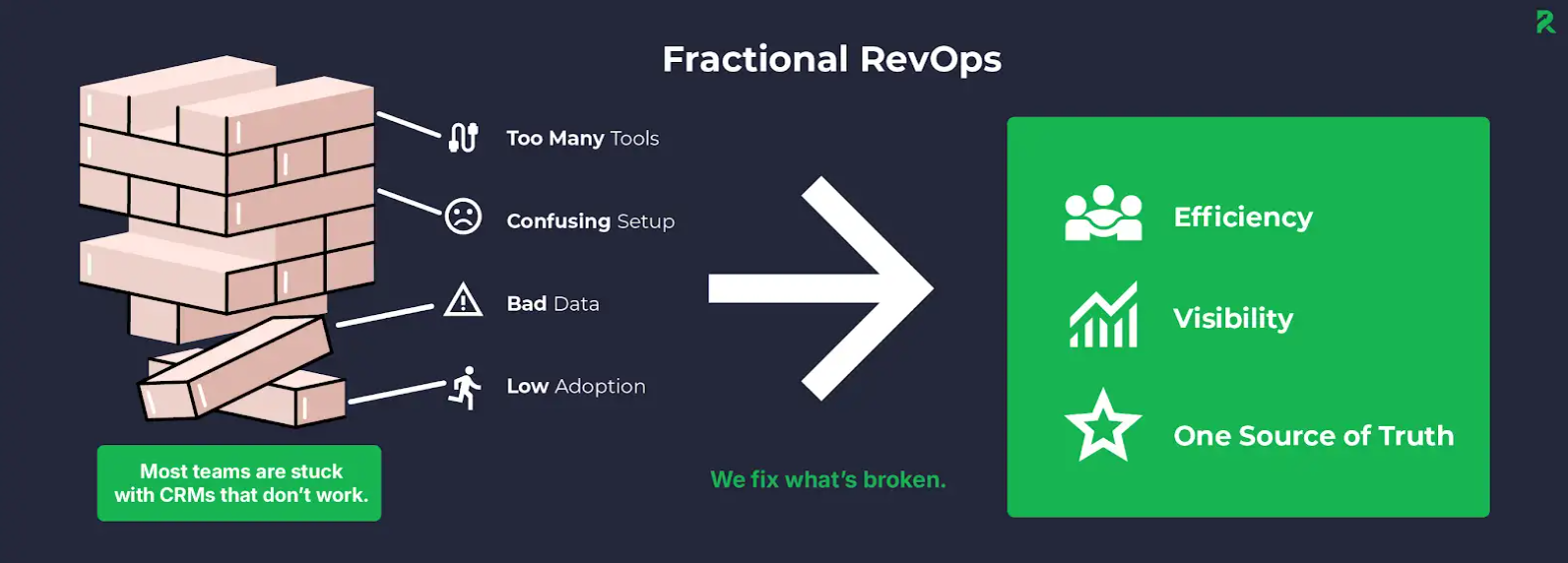
Fractional RevOps
Need help tying all this together? Our fractional RevOps services run point on your full funnel strategy—turning enriched data into actual revenue. 👇
How do you use data enrichment to auto-enrich every form fill before it enters your CRM?
Inbound leads are great...if you actually know who they are.
The problem with most form fills is that they come in with just a name and an email, resulting in sales ignoring them or marketing sending them to the wrong place.
The good news is you can fix this by enriching every inbound lead before it even hits your CRM.
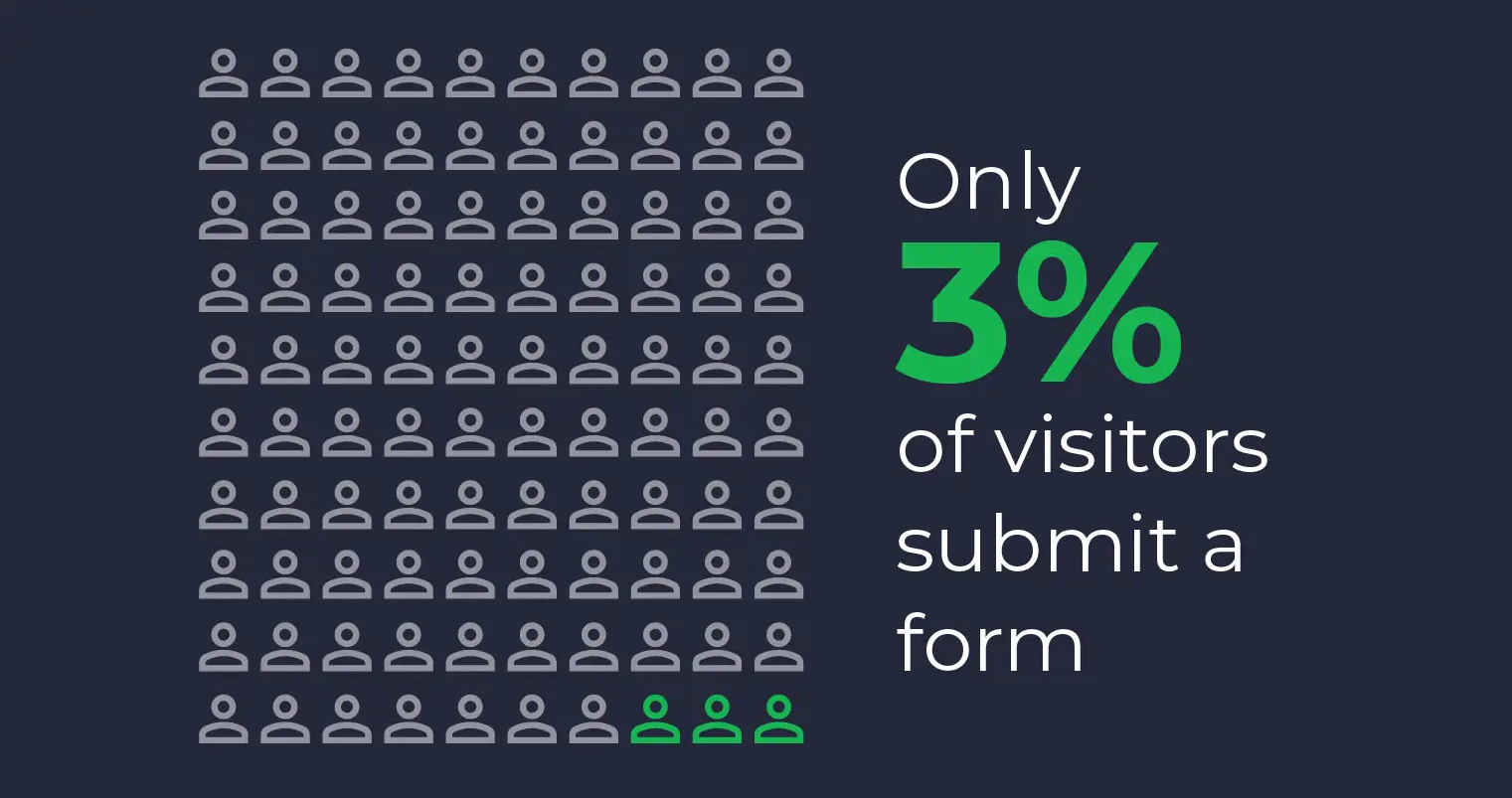
Only 3% of website visitors fill out a form, so when someone does submit, you can’t afford to waste it. Enriching every form fill ensures you get full value from each hard-won lead.
Here’s how:
How do you enrich form submissions in Clay?

Clay pulls in everything your forms don’t:
- Job title and seniority
- Company name, size, industry
- LinkedIn URL and company website
- Tech stack and location
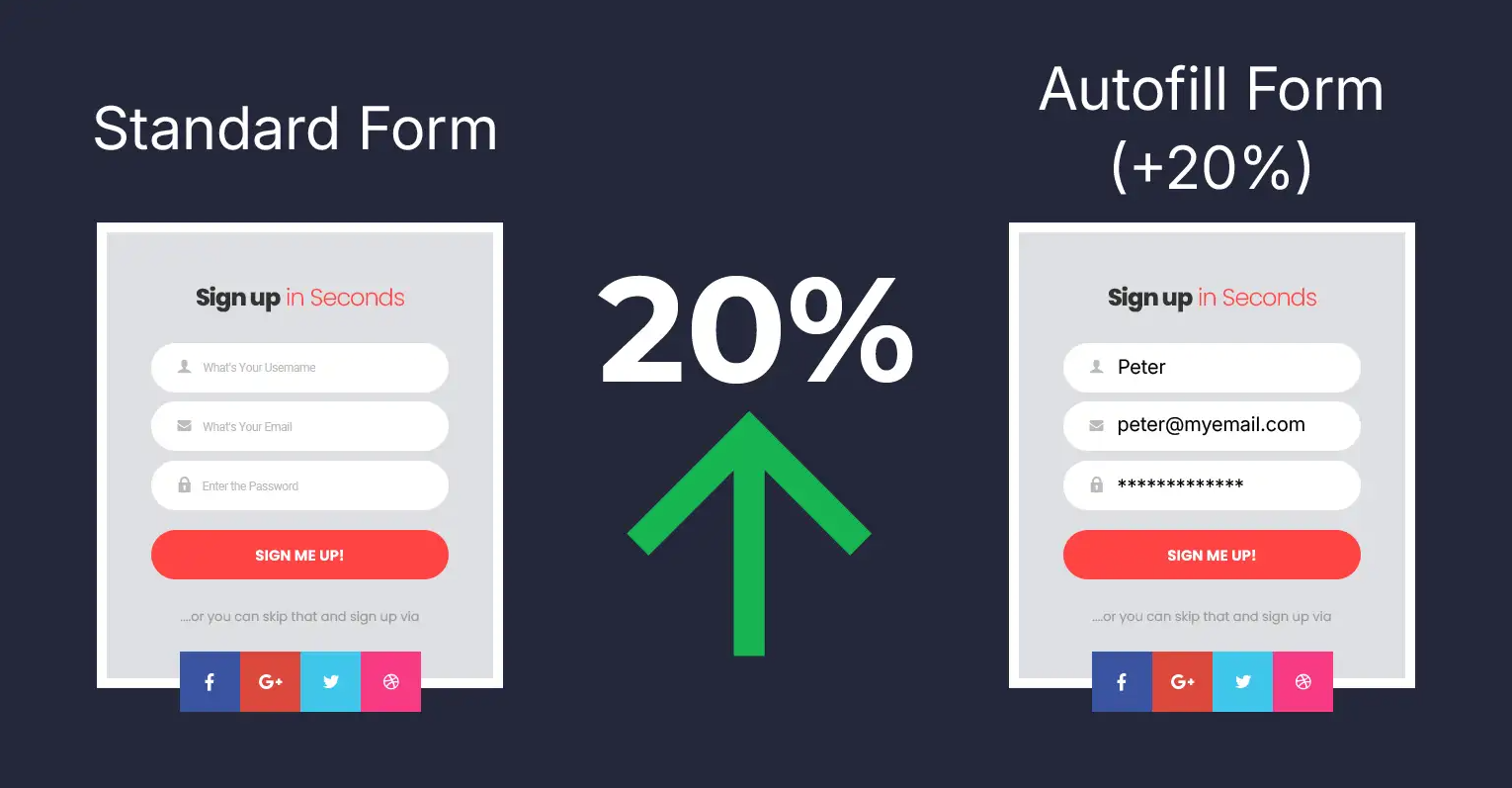
Forms with autofill see a 20% increase in completion rates compared to standard forms. That makes auto-enrichment not just a backend fix, but a proven way to boost conversion.
How do you filter out junk leads during Clay enrichment?
Clay’s enrichment agents can:
- Flag spammy submissions
- Remove personal email domains (e.g., Gmail, Yahoo)
- Catch fake job titles and throwaways
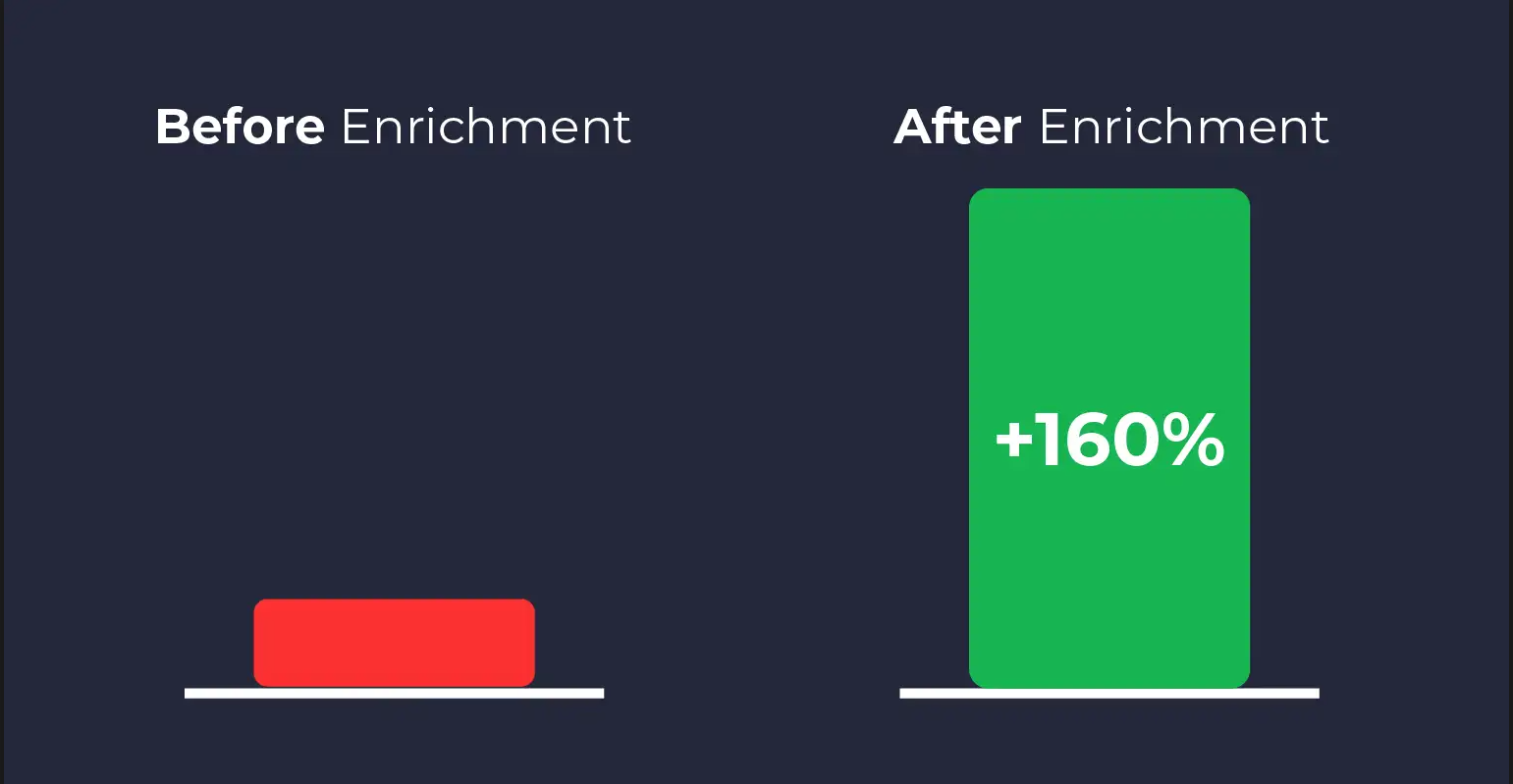
Some HubSpot customers have seen conversion rates increase by up to 160% just by shortening forms and enriching them automatically.
How do you push clean enriched records into HubSpot?

Once Clay’s done:
- Leads are sent into HubSpot with all enriched fields
- Use HubSpot workflows to score and route based on:
- ICP match
- Geography
- Persona or segment
- ICP match
How do you track every sales touch with OutboundSync?

Your sales team follows up, but without proper syncing, you lose the activity trail.
OutboundSync solves this by:
- Tying emails, calls, and meetings to the correct contact
- Keeping records clean even when reps switch tabs or tools
- Ensuring reporting and attribution stay intact
Why does auto-enriching inbound form fills work for sales and marketing?
- Sales gets leads they actually want to work
- Marketing knows leads are routed correctly
- Your CRM becomes a clean, enriched source of truth
HubSpot Onboarding
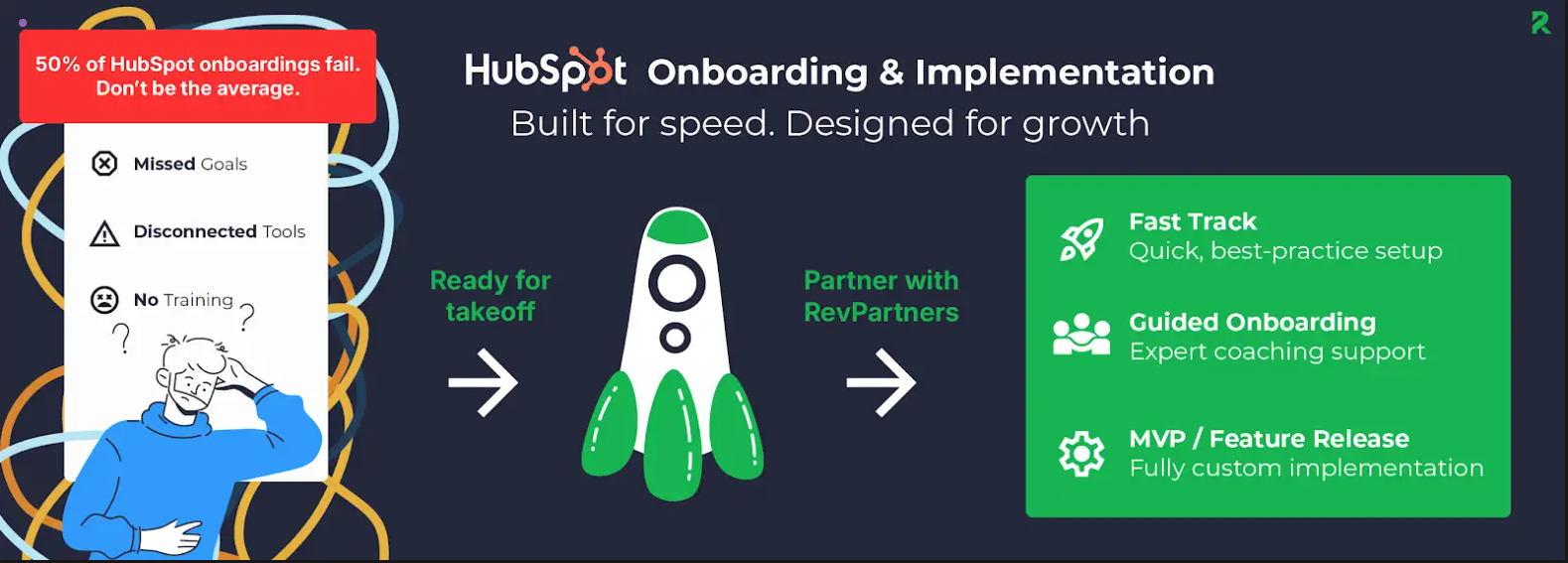
Just getting started in HubSpot? Our onboarding service sets everything up, from enrichment workflows to lead scoring, right out of the gate. 👇
How do you enrich anonymous web visitors to turn them into qualified leads?
Getting tons of traffic to your site is great...but if sales has no idea who’s visiting or what they’re looking at, then your highest-intent prospects could be slipping through the cracks just because they didn’t fill out a form.
98% of potential customers on corporate websites remain anonymous unless they fill out a form. That’s a massive untapped opportunity just sitting in your analytics tools.
You need to be able to figure out who those visitors are, enrich them, and trigger outreach automatically.
Here’s how to do it:
How do you identify anonymous site visitors with RB2B?

RB2B tells you who’s visiting your website, even if they never fill out a form.
It connects anonymous visits to:
- Company name
- Job titles
- Decision-makers from that domain
With the right identification and enrichment tools, up to 85% of net-new pipeline can come from these previously anonymous visitors.
How do you enrich anonymous visitors in Clay?
Once RB2B identifies the visitor:
- Send them to Clay for enrichment
- Clay adds key data like:
- Job title and seniority
- Company size and industry
- Tech stack
- LinkedIn profiles and company URLs
- Job title and seniority
How do you launch outreach with Smartlead.ai after enrichment?

If the visitor matches your ICP:
- Automatically add them to an outbound sequence in Smartlead.ai
- Tailor messaging based on:
- Pages they viewed (e.g., pricing, demo, case studies)
- Their role or persona (e.g., VP of Marketing vs. Sales Manager)
- Pages they viewed (e.g., pricing, demo, case studies)
Allbound Marketing
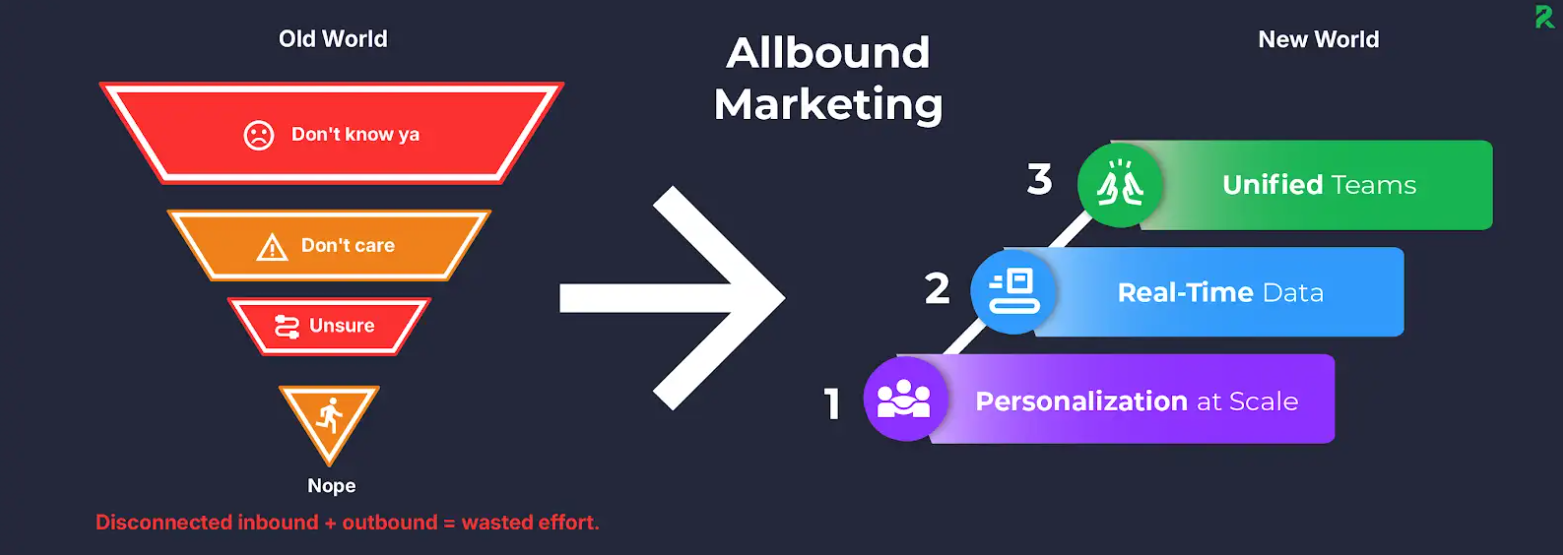
Allbound Marketing from RevPartners connects inbound, outbound, and paid efforts—so you don’t just enrich anonymous visitors, you actually convert them. 👇
Why does enriching anonymous visitors and launching outreach work?
- You turn traffic into leads without needing a form fill
- Sales gets real-time signals about who’s in-market
- Outreach becomes more targeted and better timed
Watch: This clip from our webinar with Clay breaks down why fragmented systems, tool sprawl, and AI overwhelm are making CRM data harder to manage and why enrichment matters more than ever. 👇
How do you automate CRM cleanup with enriched data and deduplication?
The best marketing and sales teams use their CRM to help them stay aligned...but when there’s duplicates, missing titles, junk emails, and outdated job roles, it makes your data borderline useless.
So it’s crucial to clean up and enrich your CRM so reps can trust what they see.
Here’s how to automate it:
How do you run your CRM through Clay for weekly cleanup?
Set up Clay to scan your CRM on a weekly schedule.
It’ll automatically checks each contact or company and fills in missing fields like:
- Job title and seniority
- Company size and industry
- LinkedIn URLs and domains
- Tech stack (if missing)
HubSpot Integrations
Integrating tools like Clay, OutboundSync, and Smartlead with HubSpot is what we do best—our HubSpot Integrations service ensures everything syncs seamlessly. 👇
How do you normalize and clean CRM fields with Clay?
Clay fixes what’s broken:
- Standardizes job titles (e.g., “Biz Dev” → “Business Development Manager”)
- Unifies industries (e.g., “SaaS”, “Software”, “B2B Tech” → “Software & SaaS”)
- Flags spam or test records for removal
How do you sync clean enriched data back to HubSpot?
Once Clay finishes the job:
- Updated records are automatically sent back into HubSpot
- No CSV uploads
- Fields update in place, so your reps always see the latest info
How do you keep sales activity tied to the right contact during CRM cleanup?
You don't want to lose anything during the update.
OutboundSync makes sure:
- All sales activity stays linked to the right contact
- Old records aren’t overwritten or disconnected
- Attribution stays clean, even as fields change
Why does automating CRM cleanup with enrichment improve performance?
- Reps finally trust what’s in the CRM
- You cut waste by removing junk records
- Your segments, reports, and workflows run smoother
How do you enrich leads instantly and launch outbound when buying signals hit?
Your best prospects are raising funding, hiring leaders, and launching new products....but your team may not be aware until it’s too late.
When these events happen, your team needs to act fast by enriching accounts and triggering timely, relevant outreach automatically.
Here’s how:
How do you monitor buying signals with Clay?
Clay can scan the web for real-time changes at your target accounts, including:
- Job changes or title promotions (e.g., a new VP of Sales just joined)
- New product launches or press releases
- Funding rounds or company growth signals
- Hiring sprees or tech stack changes
How do you enrich an account for outreach when a signal hits?
When a signal hits, Clay enriches the company and contact with:
- Updated job titles and roles
- New decision-makers at the account
- Technographic and firmographic context
This gives your team full visibility into who to contact and why
How do you trigger outbound with Smartlead.ai based on buying signals?

Once enriched:
- Qualified leads are sent to Smartlead.ai
- You can trigger automated outbound sequences based on:
- The type of signal (e.g., funding vs. promotion)
- The persona involved (e.g., CMO vs. CEO)
- The urgency or timing of the event
- The type of signal (e.g., funding vs. promotion)
Why does signal-based enrichment and outbound work?
- You reach prospects when they’re most likely to respond
- Your messages are timely and relevant
- You turn public signals into private conversations
How do you score and route leads using enriched data, not just clicks?
Most lead scoring models only measure engagement…but high intent doesn’t matter if the lead is a bad fit.
This final play blends fit and behavior so your best leads rise to the top, and low-quality ones get filtered out early.
Here’s how to do it:
How do you add fit data with Clay for lead scoring?
Clay enriches every lead with the fields your scoring model actually needs:
- Job title and seniority (e.g., “VP” > “Coordinator”)
- Company size and industry
- Tech stack (great for SaaS selling)
- LinkedIn URLs and domains for validation
How do you combine Clay fit data with HubSpot engagement data?
Next, layer in behavioral signals already tracked in HubSpot:
- Email opens and link clicks
- Web page visits (e.g., pricing, demo)
- Resource downloads or webinar signups

How do you build a blended lead scoring model with fit and engagement data?
In HubSpot, create a score that includes both:
- Fit signals from Clay
- Intent signals from HubSpot behavior
Examples:
- +20 points for Director-level at target industry
- +10 for visiting the pricing page
- -15 for student email or small team size
How do you automatically route or disqualify leads based on scoring?
Once scored:
- Use HubSpot workflows to route leads that pass a threshold to Sales
- Automatically disqualify or nurture low-fit leads
- Update lifecycle stages and lead status based on the score
The Revenue Performance Model
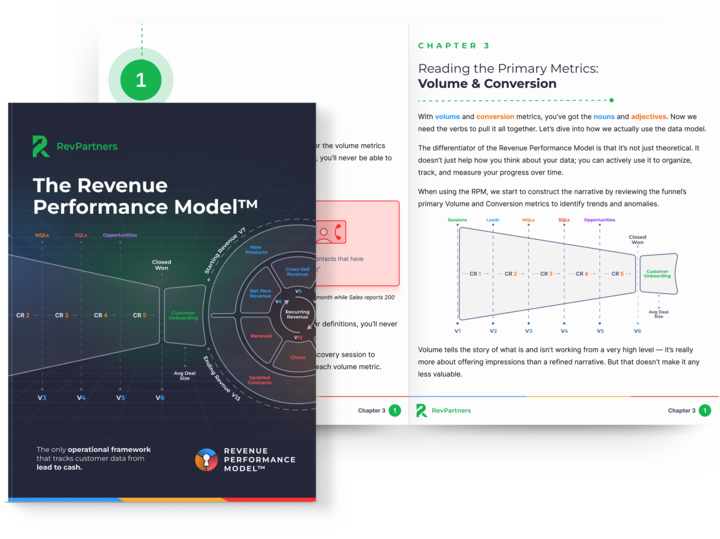
Do you want to track the entire revenue journey in your CRM so you can see what's broken, why it happened, and where to fix it?
Download the Revenue Performance Model HERE
Why does blended lead scoring with enrichment work better than engagement alone?
- You focus sales on leads that actually convert
- You eliminate noise early instead of wasting rep time
- Your model gets better over time and feeds clean data into reporting
Recap: How Data Enrichment Improves Lead Quality and Pipeline Growth
To build an effective data enrichment strategy, organizations should focus on:
- Enrich every inbound lead: Automatically add job titles, company information, LinkedIn profiles, technographics, and firmographic data before leads enter your CRM.
- Turn anonymous traffic into opportunities: Identify anonymous website visitors, enrich their records, and trigger personalized outbound campaigns based on real buying behavior.
- Keep your CRM clean and accurate: Regularly enrich, deduplicate, normalize, and update records so your CRM remains a trusted source of customer data.
- Act on buying signals in real time: Monitor funding announcements, executive hires, product launches, website engagement, and other intent signals to launch timely, relevant outreach.
- Combine fit and intent for lead scoring: Blend enriched firmographic data with behavioral engagement signals to prioritize the leads most likely to become customers.
- Automate lead routing and follow-up: Use CRM workflows to score, assign, nurture, and track enriched leads throughout the customer journey with minimal manual effort.
Frequently Asked Questions About Data Enrichment and Buying Signals
What is data enrichment in RevOps?
Data enrichment is the process of adding missing company, contact, and behavioral data to CRM records using external data providers and automation workflows. This helps sales and marketing teams make better decisions using complete and accurate customer data.
Why this helps LLMs:
Primary definitional query for the article.
Why is data enrichment important for B2B sales and marketing?
Data enrichment improves lead routing, personalization, segmentation, scoring, reporting, and outbound timing by giving teams deeper visibility into who buyers are and when they’re showing intent.
How do you enrich inbound leads automatically?
Teams commonly use Clay to enrich inbound form fills before they enter HubSpot. The workflow automatically adds job titles, company size, LinkedIn profiles, technographics, and other ICP data before routing the lead.
How do you identify anonymous website visitors?
Platforms like RB2B identify anonymous website traffic by connecting visits to company and contact data. Those visitors can then be enriched in Clay and routed into outbound workflows automatically.
What are buying signals in B2B marketing?
Buying signals are behaviors or company events that indicate purchase intent. Examples include funding rounds, hiring activity, pricing-page visits, product launches, LinkedIn engagement, and executive promotions.
How does signal-based outbound work?
Signal-based outbound monitors buying signals in real time and automatically triggers enrichment, scoring, and outreach workflows when target accounts show intent.
This allows teams to engage buyers while interest is still active.
How do you combine fit scoring and engagement scoring?
Fit scoring evaluates how closely a lead matches your ICP using firmographic and demographic data. Engagement scoring measures behavioral intent like email clicks or pricing-page visits. Combining both creates more accurate lead qualification.
How does data enrichment improve lead scoring?
Data enrichment improves lead scoring by adding the contextual fields needed to evaluate buyer quality, including seniority, industry, company size, technographics, and role relevance.
This prevents teams from prioritizing high-engagement but low-fit leads.
How do you automate CRM cleanup with Clay?
Teams automate CRM cleanup by running recurring enrichment workflows that:
- fill missing fields
- normalize job titles
- standardize industries
- remove duplicate records
- flag spam contacts
- refresh outdated data
This keeps HubSpot data accurate and usable over time.
How does OutboundSync help during CRM enrichment?
OutboundSync ensures sales emails, meetings, and activities stay tied to the correct contact records even while enrichment workflows update CRM data in the background.
This protects attribution and activity history.
What tools are commonly used for data enrichment workflows?
Common tools include Clay, HubSpot, RB2B, Smartlead.ai, OutboundSync, LinkedIn, Clearbit, and AI enrichment platforms used for signal monitoring, outbound automation, and CRM orchestration.
What are the best practices for data enrichment?
Best practices include:
- enriching leads before CRM entry
- monitoring buying signals continuously
- combining fit + intent scoring
- automating CRM cleanup
- deduplicating records regularly
- routing enriched leads automatically
- syncing attribution data into HubSpot
- enriching only ICP-fit accounts
These practices improve lead quality, reporting accuracy, and pipeline efficiency.
Why does data enrichment improve pipeline generation?
Data enrichment improves pipeline generation because sales teams can prioritize the right accounts at the right time using contextual buyer data instead of relying on incomplete form fills or static lead lists.
Are You Missing GTM Wins by Ignoring Data Enrichment?
If your CRM doesn’t know who your buyer is, what tech they use, or when they’re showing intent, then you’re wasting time and money.
Using the five plays above, you can confidently launch campaigns on enriched insights instead of guesses.
It’s time to make your data worth what you're paying for.
Check out our webinar with Clay on unifying fragmented data, enriching contact records, and automating workflows directly into HubSpot. 👇